
WayAuto Blog
How to figure out how many miles you drive a year
Three simple ways to work out how many miles (or kilometers) you drive in a year, from a quick odometer check to an automatic drive log on your iPhone.
How to figure out how many miles you drive a year
It's one of those questions that comes up more often than you'd expect. An insurance form asks for your yearly mileage. You're thinking about leasing a car and need to pick a mileage limit. Or you're just curious whether your commute adds up to as much as it feels like. It's easy to just guess, but a guess can be pretty far off.
You don't need any special tools to get a real number. Your odometer already has most of the answer, and a little math fills in the rest.

The quick way: two odometer readings
This is the most reliable method, and it only takes two photos of your dashboard.
- Write down your odometer reading today, along with the date. A quick photo works well, since it saves both at once.
- Drive normally for a few weeks. A month is good, longer is better.
- Take a second reading and note how many days have passed.
Then work out your daily average and scale it up to a year:
miles per year = (second reading − first reading) ÷ days × 365
The key step is to multiply by 365 once you have your miles per day.
For example, if you drove 1,200 miles over 30 days, that's 40 miles a day. Multiply by 365 and you get about 14,600 miles a year.
The longer you wait between readings, the better the estimate. A single month can be thrown off by a road trip or a week working from home, so if you can wait two or three months, the number will be closer to what you really drive.
The look-back way: old records
If you'd rather not wait, you probably already have an older odometer reading somewhere. A few places to look:
- Service receipts. Oil changes and inspections usually list the mileage at the time of the visit.
- Inspection or registration paperwork. In some places, these record the odometer reading too.
- The oil change sticker on your windshield. Some show the mileage at your last service, though many only show when the next one is due, so check which number it is.
- The purchase paperwork. If you bought the car within the last few years, the odometer reading at the sale is a good starting point.
Take the difference between that reading and today's, divide by the number of days in between, and multiply by 365, just like above. The same formula works in kilometers too. Just use your kilometer readings and you'll get kilometers per year.
Why the yearly number is worth knowing
A real number helps in a few practical ways:
- Insurance. Some policies ask for your estimated annual mileage, and a more accurate figure means a more accurate quote.
- Leasing. Leases come with a yearly mileage allowance, and going over usually costs extra. Knowing your actual mileage helps you pick the right one.
- Maintenance. Many service intervals are based on distance, so knowing how much you drive helps you plan ahead.
- Fuel budgeting. Pair your yearly mileage with your car's fuel economy and you can estimate what you'll spend on fuel in a year. If your car's rating is in a different unit, the mpg to L/100 km converter can help.
The automatic way: let your phone keep track
The odometer method tells you how far the car went, but it doesn't tell you much else. It won't show where you drove, or how your driving changes from month to month. And if you share a car or switch between cars, the odometer can't separate your driving from everyone else's.
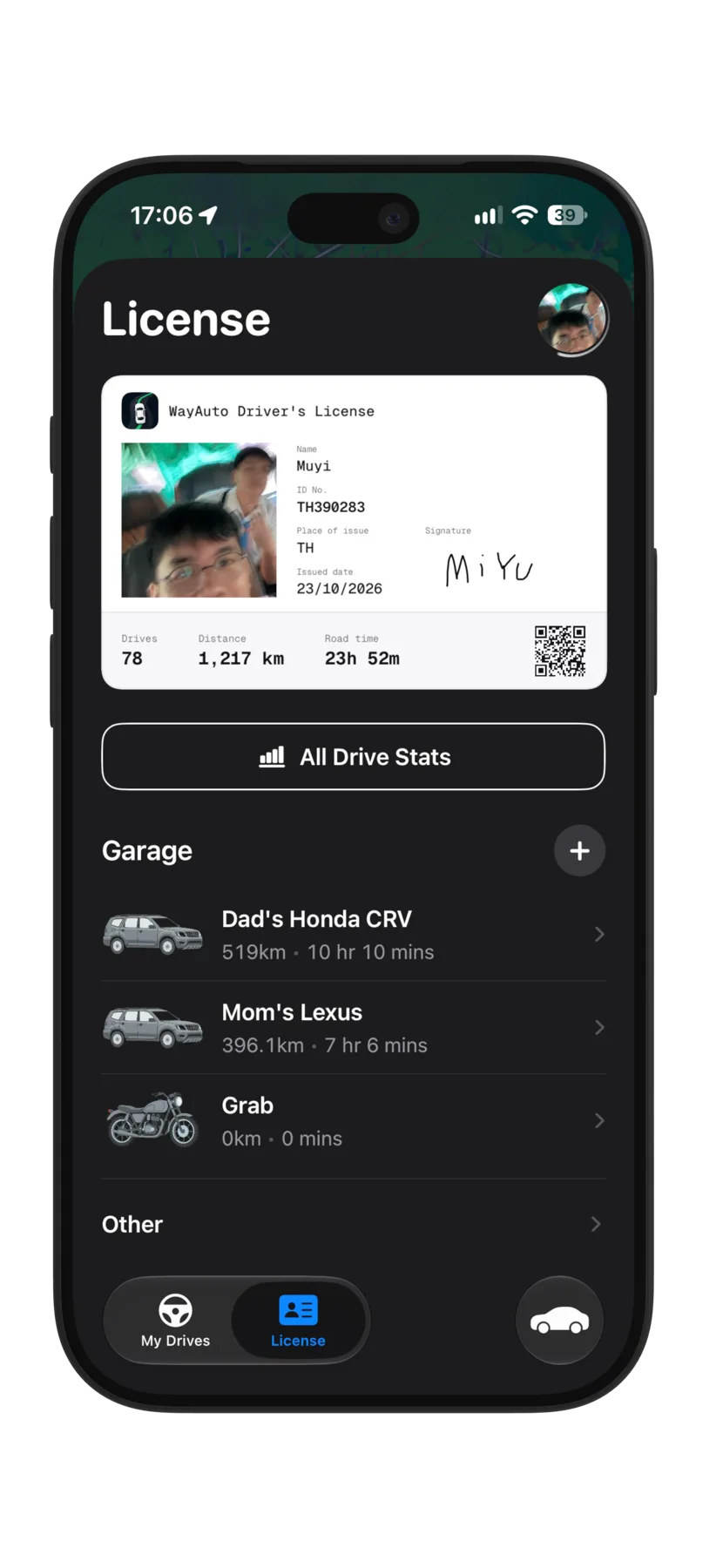
A drive log can fill in those gaps. WayAuto is an iPhone app I'm building that logs your drives in the background. Each drive is saved with its own stats, and you can see your totals add up over time in miles or kilometers. It also keeps a map of every road you've driven, which is a nice way to see where all those miles actually went.
If you only need one number for a form, two odometer readings will do the job. If you want to understand your driving a little better, letting your phone keep the log is a lot easier than writing things down.